● Ready
AI THAT PRESENTS, NOT JUST CHATS
Talk face to facewith AI thatpresents the answer.
Ask a question. Watch the answer become a live presentation. FaceVI listens to you, explains with natural voice, shows the current idea beside the avatar and builds a visual Key Points outline as it speaks.
LIVE AGENTYour avatar can watch, wake up and alert you.Explore →DOWNLOAD THE FACEVI APP
Browser voice inputLocal-only recording filesSecure server-side AI
Speaking
Listen → Think → Present → Save
CURRENT KEY POINTClear Answer
1Direct answer
2Visual key points
3Save and export
One interface. Five natural states.IdleListeningThinkingSpeakingGesture
LIVE AI PRESENTATION MODE
More useful than a wall of chat text.
FaceVI keeps the character visible while the answer becomes a structured presentation. The current idea stays large beside the avatar. Completed ideas move into your Key Points outline automatically.
01
See the current idea while it is spoken
Typewriter-style presentation text follows the natural voice and never covers the avatar.
02
Build an interactive outline
Expand key points, copy them, bookmark them, share them, save them or ask a follow-up about a specific point.
03
Take the presentation with you
Export as HTML, Markdown, text, PNG or PDF/print, with an option to include the avatar.
Desktop responsiveAndroid installable appiPhone Home Screen appKnowledge Base reuseLive web search when needed
CURRENT KEY POINT
A tutor that explains visually while it speaks.
Ask a question by voice. FaceVI presents the answer one clear idea at a time and saves the finished outline beside the character.
1. Direct explanation2. Example or steps3. Follow-up questions4. Export the result
LIVE AGENTBACKGROUND WATCH + AVATAR ALERTS
Your AI avatar can keep watch,
wake up and tell you what changed.
Agent Mode turns a FaceVI character into an active watcher. Pick an avatar, choose what it should monitor, set the check interval and define the rule that matters. When the rule triggers, FaceVI saves the alert and the avatar can wake up to speak a short summary with structured key points.
1Choose an avatarTutor, News Assistant, Financial Advisor or your private character.
2Tell it what to watchLive web search, a public page or your FaceVI Knowledge Base.
3Set the triggerCheck every 15 minutes, hourly, daily or weekly and define the alert rule.
4Wake and presentOpen the alert and your avatar speaks the update while key facts appear visually.
AGENT AWAKE
LIVENews WatchJust triggered
New AI headline
A watched topic matched your rule. Open the alert and FaceVI will present the important details.
Source Live web searchCheck Every hourAction Wake + present
Watching headlines
Rule matched ✓
CHOOSE YOUR FACEVISpecialists designed
Specialists designed
for useful presentations.
Every character has a focused personality, natural voice, five video states and the new live Key Points presentation experience.
● Ready
Science
Astronomer
Explore planets, comets, stars and the latest space discoveries.
Voice + textMeet Astronomer
● Ready
● Ready
Wellness
Fitness Trainer
Workouts, form coaching and realistic fitness planning.
Voice + textMeet Fitness Trainer
● Ready
Business
Financial Advisor
Clear budgeting, business and personal-finance education.
Voice + textMeet Financial Advisor
● Ready
Entertainment
Psychic Astrologer
Reflective astrology and intuitive-style conversation for entertainment.
Voice + textMeet Psychic Astrologer
● Ready
Current Events
News Assistant
Fast, sourced summaries of current and developing stories.
Voice + textMeet News Assistant
● Ready
General
AI Companion
A warm, natural general assistant for everyday conversation.
Voice + textMeet AI Companion
CUSTOM CHARACTER STUDIOMake FaceVI
Make FaceVI
look and act like yours.
Choose a visual preset or upload a reference image you have permission to use. Name the character, define its personality and direct exactly how it behaves while idle, listening, thinking, speaking and gesturing.
Private account characterFive custom MP4 statesProduction status trackingNormal 24-hour target
Choose a facePrivate





↑Upload
your image
your image
Idle Natural blinking and calm eye contact…Listening Attentive tilt and subtle nods…Thinking Reflective focused expression…Speaking Natural speech and movement…Gesture Short welcome or reaction…
NATURAL CONVERSATION FLOW
See what the AI is doing.
The avatar state changes when the microphone, AI request and voice response change.
IdleWaiting naturally
ListeningCapturing your voice
ThinkingPreparing a response
SpeakingDelivering the answer
GestureWelcoming and reacting
SIMPLE PRICINGChoose a session
Choose a session
or your own character.
Credits update live. Custom Character Studio is a recurring private-character service.
12 minutes
$5
- 720 seconds of FaceVI
- All public characters
- Local browser recording
30 minutes
$9
- 1,800 seconds of FaceVI
- Best value credit pack
- Conversation history
FaceVI Pro
$99 /month
- 400 minutes each month
- Priority processing
- Detailed usage history
Custom Character
$199 /month
- 1,000 FaceVI minutes each month
- Your image or a preset
- Five private video states
- Custom name, voice and prompt
- Account delivery and tracking
FACEVI JOURNALLearn the system
View all guidesLearn the system
behind the experience.
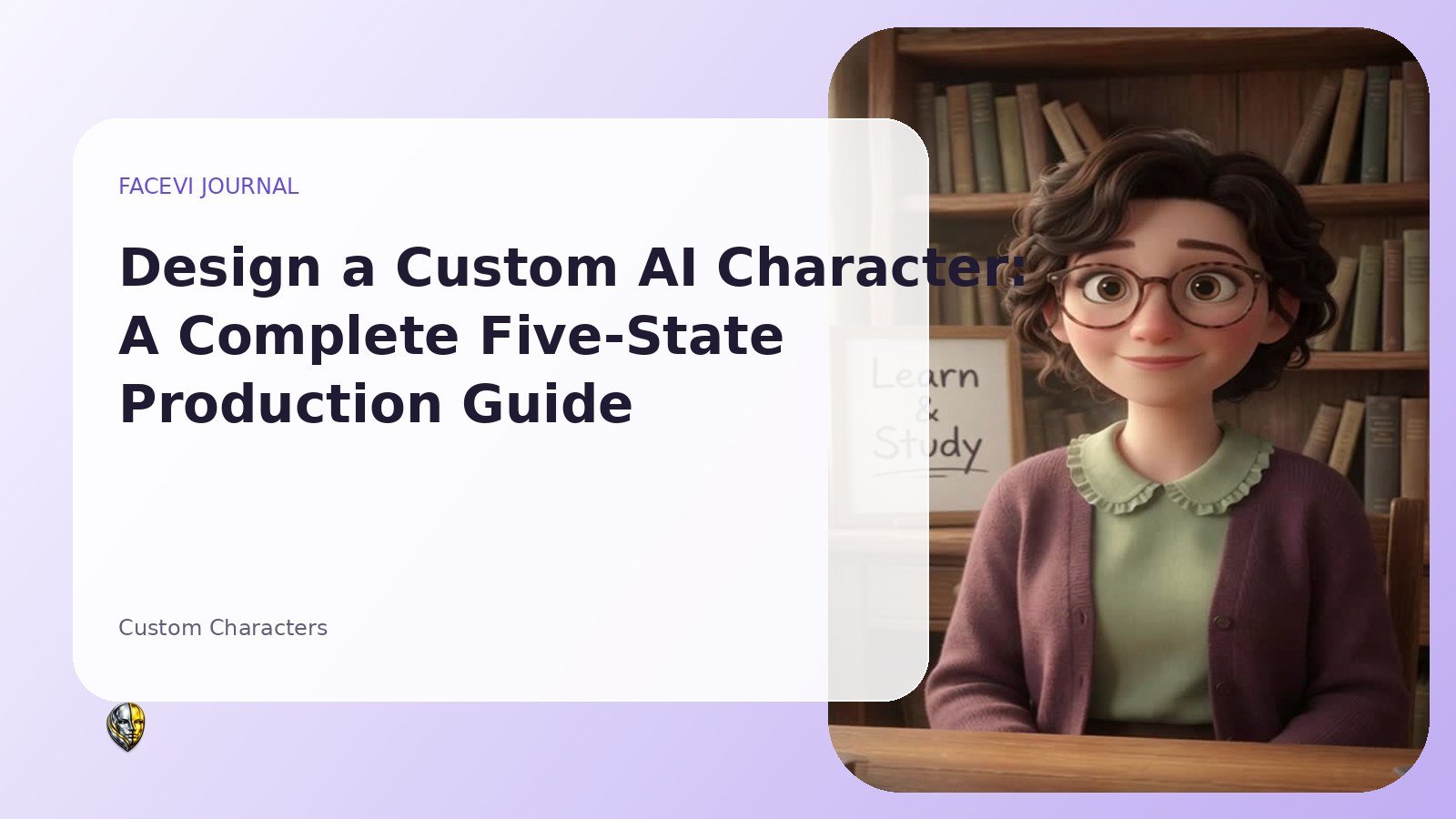
Custom Characters
Design a Custom AI Character: A Complete Five-State Production Guide
Plan a private FaceVI character from reference image to five consistent videos, voice direction, system prompt, approval and account delivery.
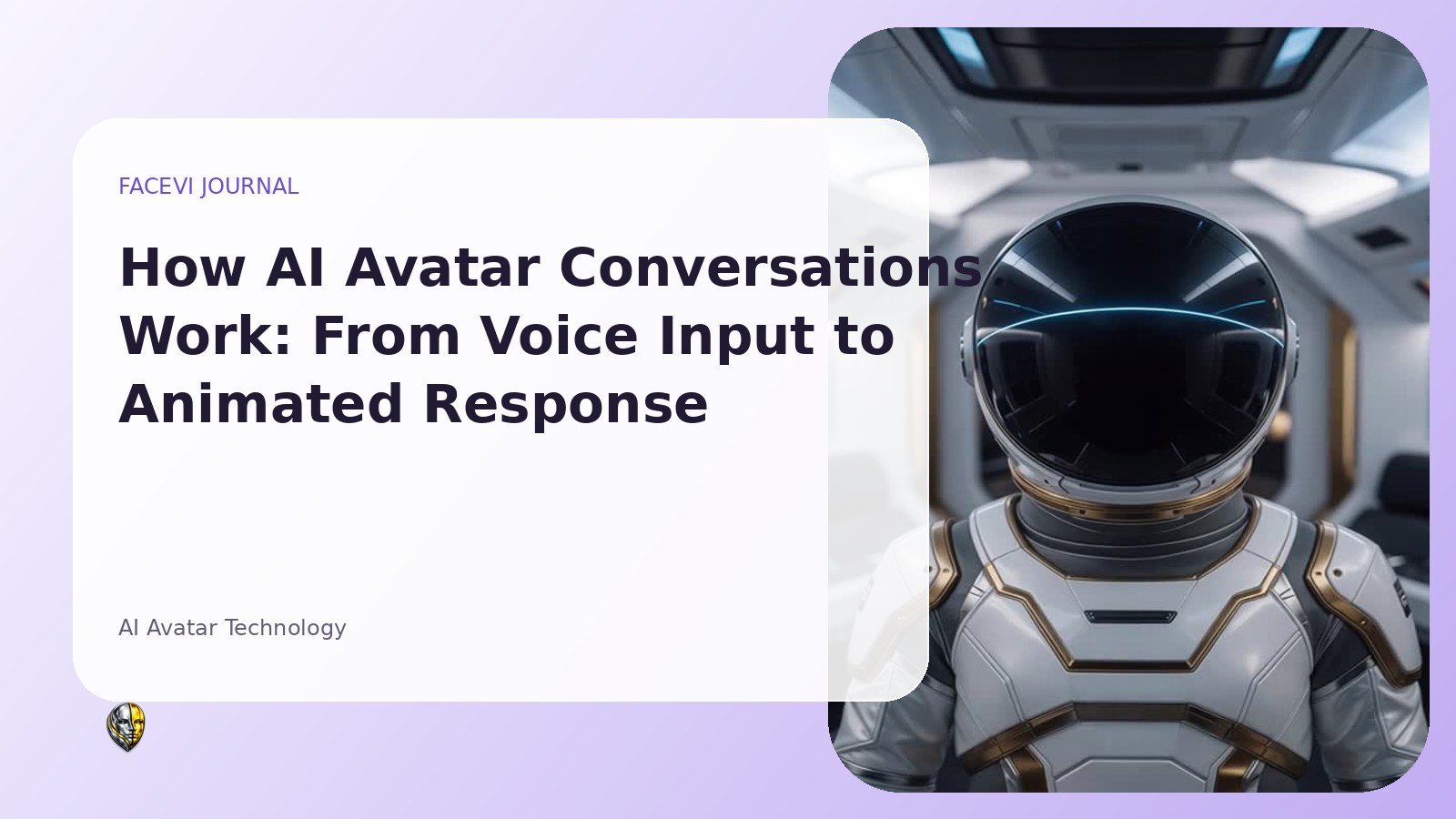
AI Avatar Technology
How AI Avatar Conversations Work: From Voice Input to Animated Response
A practical, non-technical guide to the full FaceVI conversation cycle: microphone input, speech recognition, AI reasoning, voice output, animated states, credits and privacy.
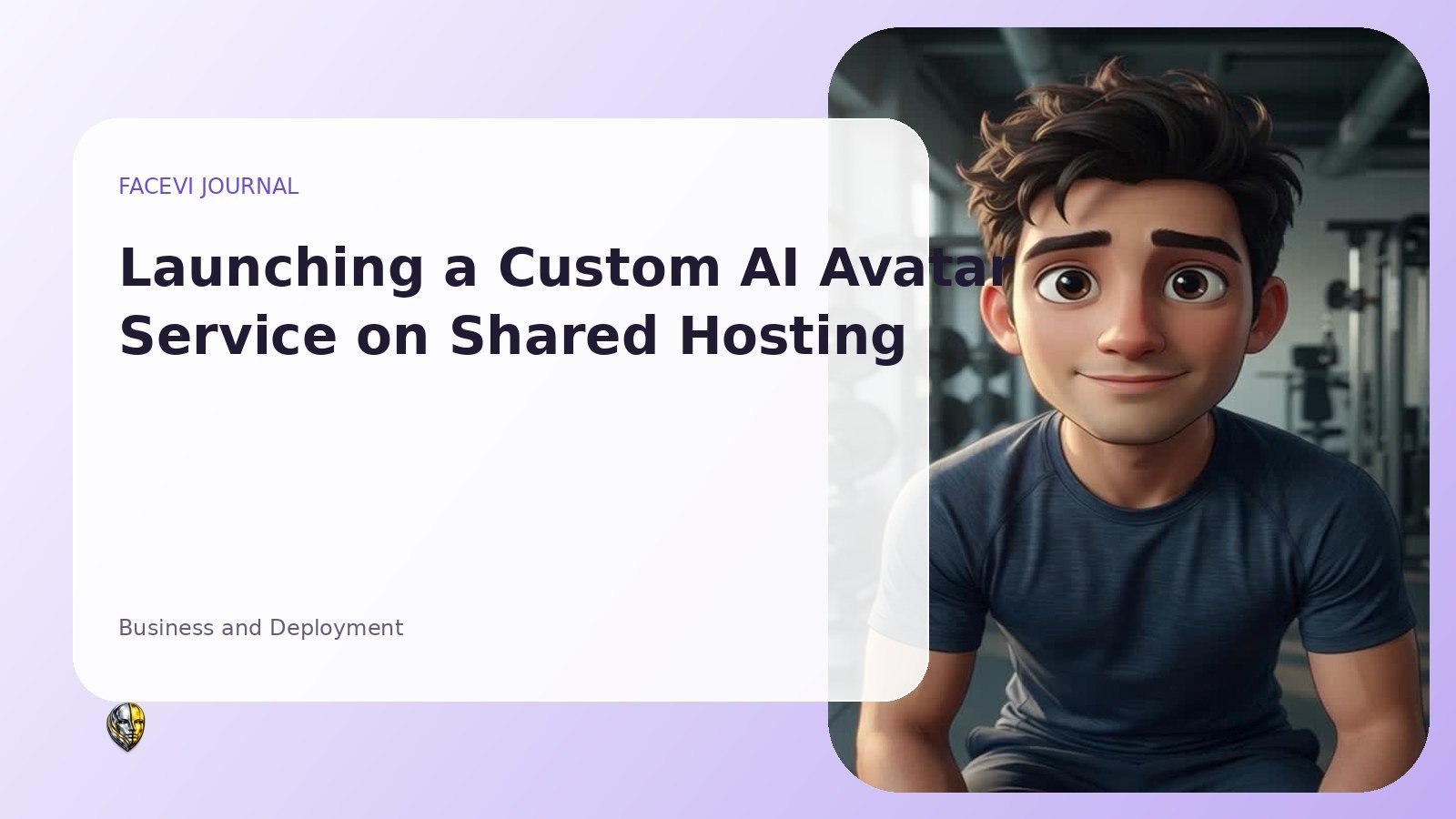
Business and Deployment
Launching a Custom AI Avatar Service on Shared Hosting
A detailed deployment and operations guide for a PHP, MySQL, Stripe and xAI avatar service on Hostinger-style shared hosting.
FAQ
Questions, answered.
No. Recording is created with browser APIs and downloaded directly to your computer. The media file is not uploaded to the FaceVI server.
Each character uses idle.mp4, listening.mp4, thinking.mp4, speaking.mp4 and gesture.mp4. FaceVI switches files automatically as the conversation changes.
You submit a reference image, character name, personality, voice direction and behavior for all five states. After confirmed payment, the request enters production and the approved private character appears in your account.
It is a normal production target after confirmed payment and a complete usable submission, not an absolute guarantee. Complex requests or requests needing clarification can take longer.
The interface stops new AI requests and directs the user to add credits. Administrators and accounts marked unlimited are not charged.
Meet your next AI presenter.
Ask by voice or text. FaceVI presents the answer visually while the character listens, thinks and speaks.
INSTALL FACEVI
Put FaceVI on your phone.
Install the FaceVI mobile experience directly from facevi.app. Your same account, characters, credits and conversations stay connected.

Install FaceVI?
Install the mobile version on this device.