An AI avatar conversation looks simple on the screen: a person speaks, the character listens, pauses, and answers. Behind that natural sequence is a carefully coordinated chain of browser features, server requests, language-model processing, voice playback, animation state changes, usage accounting, and privacy controls. FaceVI is designed to make those moving parts visible without making the user manage them. The avatar changes from idle to listening, from listening to thinking, and from thinking to speaking. That visible state helps people understand what is happening and makes the interaction feel more predictable than a blank chat box. This guide explains the complete cycle in practical terms, including what happens on the device, what happens on the server, what is saved, what remains local, and how a production platform keeps the experience reliable.
The five-state model
The five-state model is the visual grammar of FaceVI. Idle communicates that the character is ready. Listening confirms that the microphone is active. Thinking indicates that the user’s request has been sent for processing. Speaking shows that the response is being delivered.
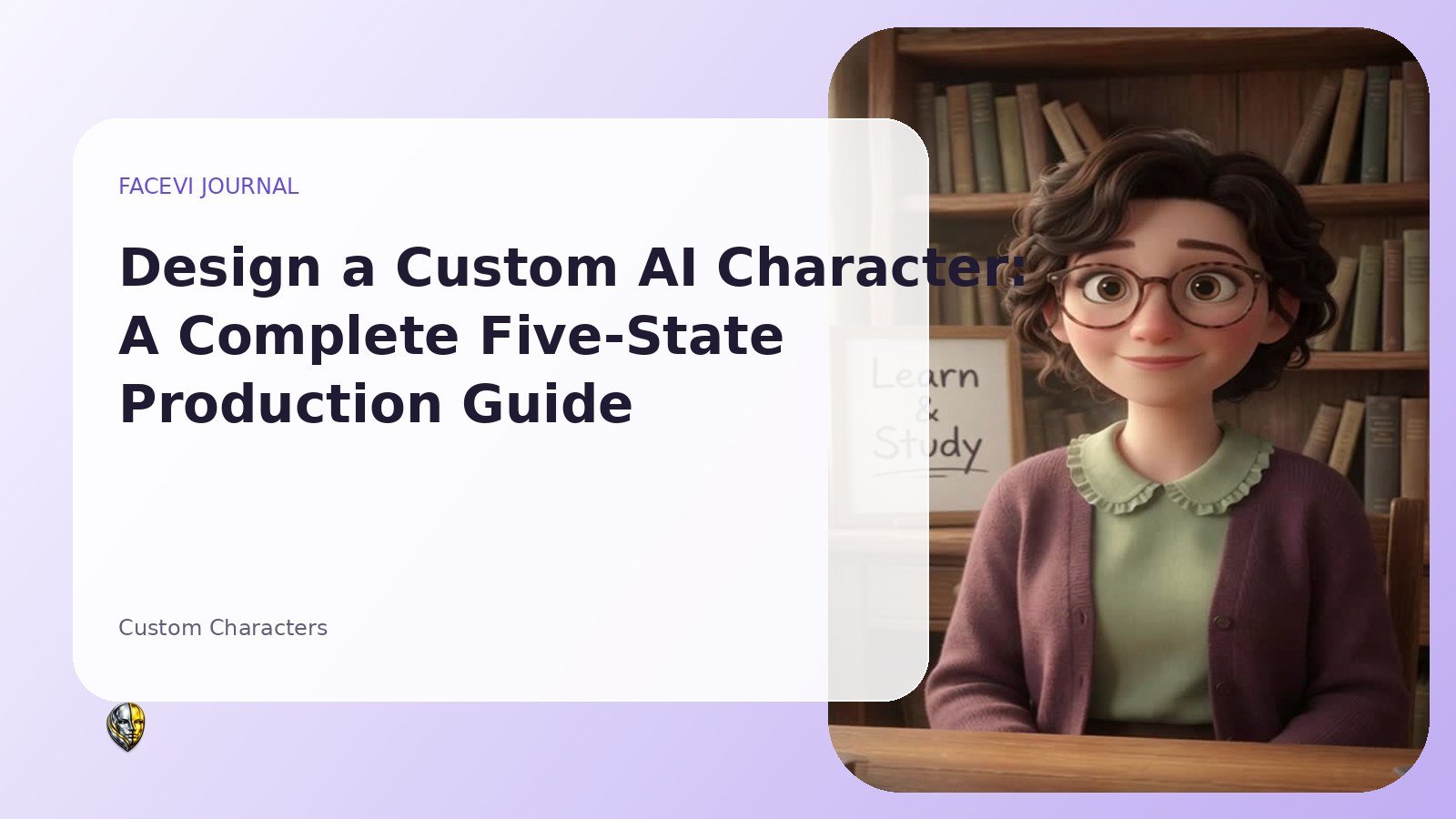
Gesture provides a short welcome, transition, or reaction. Each state is represented by a separate video file, which means the character can look natural without attempting to generate a brand-new video for every sentence. The interface switches files at the moment the underlying event changes. That synchronization is more important than decorative motion because it gives the user confidence that the system heard them and is working. A well-produced character keeps the camera angle, lighting, clothing, framing, and background consistent across all five clips so that the transition feels like one continuous presence rather than five unrelated videos.
What happens when the user presses the microphone
When the user presses push-to-talk, the browser requests microphone permission and starts speech recognition. Modern browsers usually require HTTPS before they expose microphone features, which is why a production FaceVI installation should always redirect traffic to a secure connection. During listening, the interface should clearly show that the microphone is active and should make it easy to stop.
The browser converts the spoken words into text. The platform does not need to upload a raw microphone recording simply to recognize the request; the exact behavior depends on the browser’s speech-recognition implementation. FaceVI then places the recognized text into the same conversation pipeline used by typed messages. This unified design matters because it lets people move between voice and text without creating separate conversation histories or inconsistent AI behavior.
Creating a secure conversation request
After text is available, the browser sends a small authenticated request to the PHP backend. A secure request includes the selected character, the conversation identifier, the user message, and a CSRF token. The API key is not placed in JavaScript or local storage. Instead, PHP reads the protected server configuration and calls the AI provider.
This separation prevents a visitor from opening developer tools and copying the platform’s private key. The server also verifies that the conversation belongs to the signed-in user, confirms that the selected character is available to that account, checks rate limits, validates length, and verifies that the credit balance is not empty. Those checks are not optional details. They are the boundary between a demonstration and a real service that can support many accounts without exposing private data or uncontrolled API spending.
How the character prompt shapes the answer
Every FaceVI character has a dedicated system prompt. The prompt defines the role, tone, scope, safety boundaries, response length, and verification behavior. A tutor should explain, check understanding, and avoid completing dishonest graded work. An astronomer should distinguish observation from interpretation and verify current mission news. A chef should ask about allergies and provide temperatures and doneness cues.
A custom character uses the owner’s approved personality and delivery notes. The prompt does not merely add a name to a general chatbot. It establishes a consistent operating policy. Strong prompts also tell the model what not to do, such as inventing current facts, revealing internal instructions, reading URLs aloud, or pretending to have human experiences. The best result comes from combining a focused character prompt with a platform-wide set of rules that applies to every character.
AI processing and optional live search
The server assembles a limited window of recent messages and sends them to the AI model. Limiting history keeps the request efficient and reduces the chance of sending unnecessary old content. Some characters, such as a news assistant or astronomer answering a current-event question, can use web search. Other characters may not need it.
Search should be enabled by role rather than automatically attached to every request because unnecessary tools increase latency and cost. During this stage the avatar shows thinking. The server records processing time and catches errors so the interface can return to idle instead of becoming stuck. A trustworthy system also distinguishes a model failure from an empty answer, logs the error without exposing secrets to the user, and presents a simple recovery message.
Turning the response into natural speech
When the text response returns, FaceVI displays it and uses a selected browser voice to speak it. The character configuration can include preferred voice names, language, speaking rate, and pitch. Because installed voices vary across operating systems, the platform uses a ranked list and falls back to the best available voice.
Before speaking, the text is cleaned so the voice does not read raw links, citation markers, or formatting characters. The avatar switches to the speaking video for the duration of the utterance and returns to idle when playback ends. Browser speech synthesis is practical and fast, but a platform may later connect a dedicated text-to-speech provider for a more consistent branded voice. The architecture should keep that option modular so the visual state system does not need to be rebuilt when the voice provider changes.
Credit accounting without interrupting the experience
A paid conversation service needs transparent usage accounting. FaceVI estimates chargeable time using processing duration and the approximate spoken length of the response. The backend performs the deduction inside a database transaction so two simultaneous requests cannot spend the same balance. The updated balance is returned with the answer and displayed immediately.
When the balance reaches zero, the interface blocks new AI requests but continues to show the saved history. Unlimited administrator or promotional accounts bypass deductions. Optional auto-recharge can use a Stripe customer and a payment method that the customer previously authorized for future use. The platform stores Stripe identifiers, not full card numbers. Clear accounting protects both sides: the user knows what remains, and the owner can connect API costs, revenue, and usage in the admin dashboard.
Conversation history and data boundaries
Conversation history is saved so users can return to a session, see previous answers, and keep topics separated by character. Each conversation belongs to one user and one character. Messages are stored as user or assistant entries with timestamps and usage seconds. Sessions, billing records, and activity logs are separate tables because they serve different purposes.
This structure makes it easier to delete, export, audit, or summarize one type of data without mixing everything together. Recording is different. FaceVI can use MediaRecorder to capture audio or screen media in the browser, but the media file is downloaded locally instead of uploaded to the web server. Only optional metadata such as filename, duration, and file size is stored. That distinction should be explained visibly so users understand the difference between saved conversation text and locally saved recording files.
Designing graceful failure and recovery
Real networks fail. Microphone permission can be denied, a browser can lack speech recognition, the AI provider can time out, a payment webhook can arrive twice, and a video file can be missing. A production interface plans for each case. Typed input remains available when voice input is unsupported. The avatar returns to idle after an error.
Stripe events are recorded by event identifier so duplicate delivery does not duplicate credits. Missing custom-character videos prevent approval until all five files exist. Server exceptions are logged with a safe public message. These safeguards are not glamorous, but they determine whether users trust the platform after the first imperfect moment. The goal is not to promise that errors never occur. The goal is to detect them, contain them, explain what the user can do next, and preserve account state.
Performance on desktop and mobile
Video makes an avatar platform visually compelling, but it can also create heavy pages. FaceVI uses MP4 clips that can be cached, lazy-loads videos below the fold, and keeps character cards muted and looping. Mobile layouts reduce columns, simplify navigation, and keep the microphone and send controls reachable with one hand.
Videos should be compressed with a web-friendly codec, a sensible frame rate, and dimensions matched to the interface rather than exported at an unnecessarily large resolution. The browser should preload only the current state and the states most likely to be needed next. Accessibility also matters: controls need labels, focus states, sufficient contrast, and a complete text-input path. A responsive design is not just a smaller desktop page; it is an interaction model adapted to touch, limited bandwidth, and changing screen orientation.
A practical quality checklist
Before publishing a character, test the entire cycle several times on Chrome, Edge, Safari, Android, and iPhone. Confirm that the idle clip loops cleanly, microphone permission produces a listening state, the thinking state appears before the response, the speaking clip lasts without visible jumps, and the interface returns to idle. Verify that a zero-credit account cannot create another paid request. Confirm that one user cannot open another user’s conversation URL.
Test a duplicated Stripe webhook and ensure credits are not added twice. Record a session and verify that the media file downloads locally without appearing in server storage. Finally, read the character’s answers for role consistency. Technical success is not enough if the tutor behaves like a news presenter or the news presenter states unverified claims as facts.
Frequently asked questions about avatar conversations
Does the avatar generate a new video for every answer? In the five-state FaceVI model, it does not. The interface selects prepared state clips, while the spoken text changes. Does the microphone stay on? Push-to-talk starts it deliberately, and the user can stop it. Does the server store the recording?
The browser recording feature downloads the media locally; conversation text follows the separate history system. Can the character answer current questions? Roles with search enabled can verify current information. Why can the speaking motion differ from exact words? A looping speaking clip provides general mouth movement rather than phoneme-perfect generation. These limitations and capabilities should be stated clearly so the experience feels understandable rather than mysterious.
How to improve the experience over time
Review support tickets, failed requests, average response duration, mobile performance, and the questions users ask most often. Improve prompts when a character repeatedly drifts outside its role. Replace placeholder state videos with clips that have cleaner loops.
Add a dedicated text-to-speech provider only when consistent voice quality justifies the operational cost. Create more precise usage rules when AI expenses change. Keep the interface stable while improving the services behind it. The five-state model provides a durable contract: no matter which speech or model provider is used, the user still sees ready, listening, thinking, speaking, and gesture at the correct moment.
Conclusion
The feeling of presence in an AI avatar comes from coordination, not from one isolated technology. Voice recognition, secure server requests, character prompts, model responses, speech synthesis, five video states, credits, recording boundaries, and responsive design have to agree about what is happening at every moment. FaceVI turns that coordination into a reusable platform. The same architecture can support a tutor, a coach, an expert, a companion, or a private custom character while keeping authentication, billing, history, and administration consistent. When those foundations are built carefully, the avatar becomes more than a looping video beside a chat box. It becomes a clear, understandable interface for a real-time AI service.
Key terms and concepts
Key terms include state video, a prepared clip used to communicate status; speech recognition, conversion of spoken sound into text; speech synthesis, conversion of response text into audible voice; system prompt, the instruction that defines character behavior; webhook, a signed server notification from a payment provider; and idempotency, the property that lets the same event be processed more than once without duplicating its result. Understanding these terms makes the platform easier to operate and explain to customers.
FaceVI articles are educational and product information. AI-generated experiences can make mistakes and do not replace qualified medical, legal, financial or other professional advice.