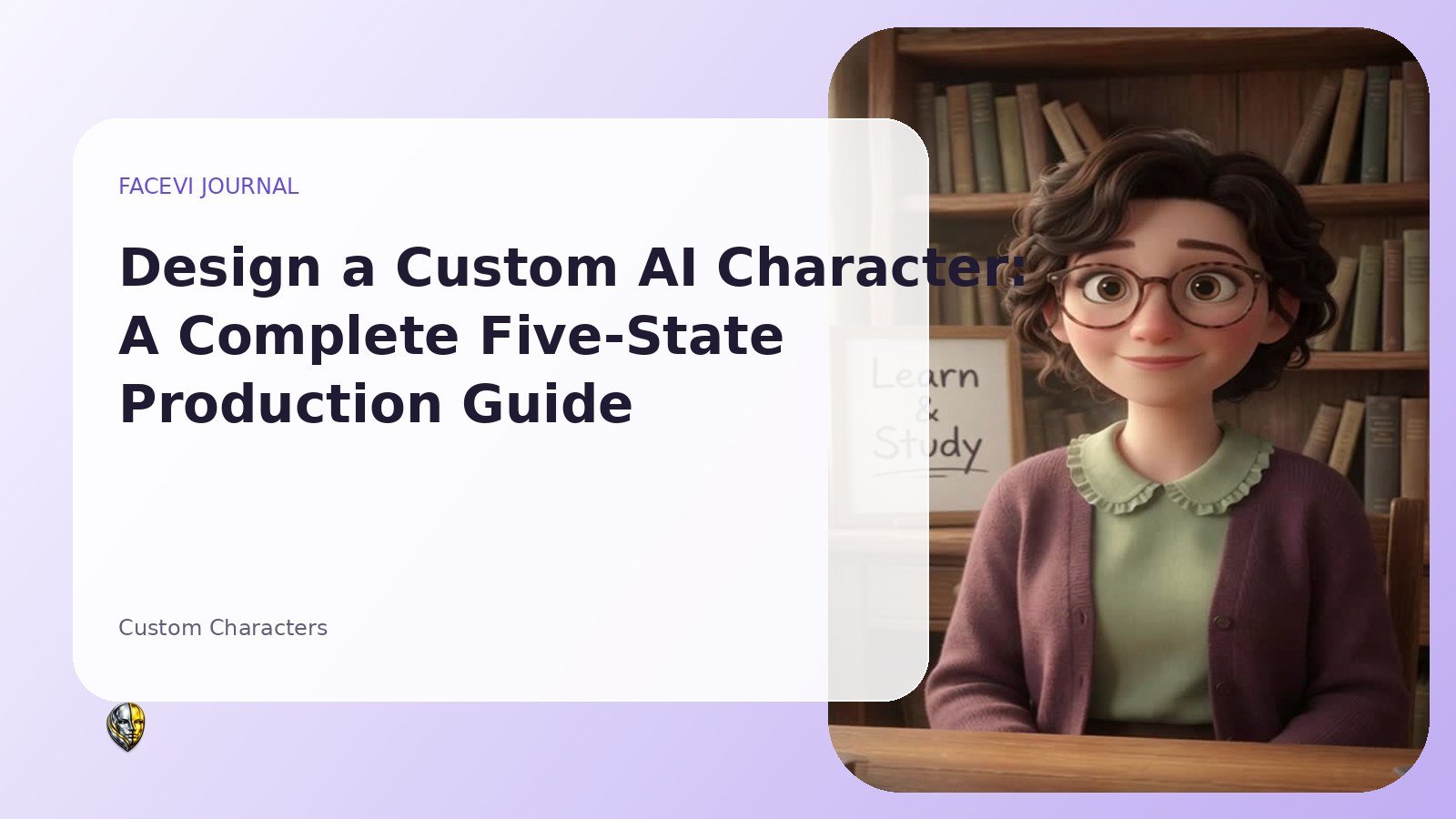
A custom AI character is not only a portrait with a speaking animation. It is a designed identity that must remain recognizable while listening, thinking, speaking, waiting, and reacting. The visual production, voice direction, behavioral prompt, account permissions, payment status, and delivery folder all need to connect. FaceVI’s custom-character service uses a five-state production model and an approval workflow so the customer can describe the desired behavior before the videos are produced. This guide explains how to prepare a strong reference, write useful state directions, avoid common visual inconsistencies, define a safe personality, and review the final character before it becomes available inside the customer’s dashboard.
Start with the purpose, not the picture
Before choosing an image, define what the character will do. A private tutor needs a different presence from a fitness coach, product guide, virtual host, family storyteller, or brand representative. Write one sentence describing the audience, one sentence describing the main task, and one sentence describing how the user should feel during the conversation.
Those three statements influence clothing, setting, eye contact, tempo, facial expression, and prompt boundaries. A polished portrait cannot compensate for an unclear role. Purpose also helps the administrator review whether the character request is appropriate and whether the system prompt needs safeguards. The production team can make better decisions when it knows whether the avatar should feel authoritative, encouraging, playful, calm, formal, or energetic.
Choose a reference image with production in mind
The reference image becomes the anchor for all five clips. Select a clear, front-facing image with visible eyes, even lighting, sufficient resolution, and minimal obstruction. Avoid extreme side angles, heavy motion blur, cropped chins, hands covering the face, or backgrounds with complex moving elements. A neutral upper-body composition usually provides enough room for subtle gestures.
The customer must have the rights and permission to use the image. Uploading a public figure, another private person, copyrighted mascot, or protected brand asset can create legal and ethical problems. FaceVI should require a rights confirmation during submission and reserve the ability to reject a request. Preset images are useful for customers who do not have a suitable original image or who prefer a ready-made visual direction.
Name and identity consistency
A character name should be easy to say, easy to remember, and appropriate for the role. The name appears in the dashboard, conversation header, email notifications, and system prompt. Avoid names that falsely imply a regulated professional license or a real organization unless the customer is authorized to use that identity.
Add a short identity statement that explains who the character is, what it helps with, and what it should not claim. For example, a financial education character can explain budgets and planning frameworks but should not promise returns or present itself as a licensed adviser. Identity consistency means the visual, name, prompt, and voice tell the same story. When one element conflicts, the character feels artificial even if the individual assets are high quality.
Writing the idle-state direction
Idle is the state users see most often, so it should be calm and loop cleanly. Describe posture, breathing, eye contact, blinking, and the amount of movement. A strong direction might say: maintain relaxed shoulders, look toward the camera, blink naturally, make very small head movements, and return to the exact starting pose for a seamless loop. Avoid dramatic gestures in idle because repeated motion becomes distracting.
The background should also remain stable. If the character is a chef, a softly lit kitchen can work, but steam, screens, or people moving behind the subject can expose the loop. Idle should communicate readiness without demanding attention. A two-to-six-second loop is often enough when the first and last frames match well.
Writing the listening-state direction
Listening should visibly differ from idle without becoming exaggerated. Ask for slightly stronger eye contact, a small attentive head tilt, occasional nodding, and a patient expression. The mouth should remain mostly closed because the user is speaking. The character should not appear to interrupt or silently form words.
For a formal advisor, the movement may be restrained. For a friend or tutor, warmer nods may be appropriate. Because speech recognition length varies, the listening video needs to loop naturally. The user should be able to recognize the state even on a small mobile screen, so the difference cannot rely on a tiny detail. The prompt field should describe both the emotional quality and the visible action, giving the production team enough information to make the state distinct.
Writing the thinking-state direction
Thinking is a brief transition that reassures the user that the request is being processed. The character can glance slightly away, soften eye contact, make a small contemplative movement, or hold a focused expression. Avoid gestures that imply confusion or disapproval unless that is intentionally part of the role. Thinking clips should remain neutral enough to work after many different questions.
A news presenter might lower the chin slightly as though reviewing information. A tutor might pause with an encouraging expression. A mystical entertainment character might use a subtle atmospheric gesture. The direction should not promise that the system is literally conscious. It is a visual status cue linked to an AI request, and the website should remain honest about that.
Writing the speaking-state direction
Speaking carries the answer, so mouth movement and facial expression need to feel believable for a wide range of text. The clip will repeat or remain active while browser speech synthesis plays, so avoid a visible sentence ending that repeats every few seconds. Ask for natural continuous speaking, stable eye contact, modest head motion, and occasional small hand movement within frame.
The speaking state should match the desired pace and energy of the voice. A calm character needs measured motion; a high-energy coach can use stronger expression. Lip synchronization from a fixed looping clip is approximate rather than phoneme-perfect, and the product should not imply otherwise. Consistent timing and general speaking motion are usually more important than attempting to match every possible word.
Writing the gesture-state direction
Gesture is used for a welcome, reset, celebration, or transition. It can contain more personality than the other states because it is played as a short event rather than an indefinite loop. Describe one clear gesture: a small wave, a confident nod, hands opening in welcome, a chef presenting a dish, or a presenter acknowledging the viewer.
Keep it within the camera frame and avoid rapid movement that causes compression artifacts. The gesture should return to a position close to idle so the transition does not jump. This state is also useful when a new conversation is created or a message history is cleared. It gives the character a moment of recognition without forcing the speaking clip to perform every social cue.
Voice direction and delivery notes
The voice notes should describe language, accent preference, age impression, energy, rate, warmth, and pronunciation requirements. Do not depend on a specific browser voice being installed on every device. FaceVI uses voice-name hints and selects the best available match, so describe priorities rather than one irreplaceable voice.
A useful instruction might say: warm Canadian English, medium-low pitch, calm pace, clear pronunciation, short pauses between ideas, and no exaggerated sales tone. For multilingual characters, specify the default language and how the character should handle switching. The written system prompt should also control response length because a slow, warm voice reading a very long answer can feel frustrating. Voice design includes what the character says, not only the sound used to say it.
Building the behavioral system prompt
The personality field should explain expertise, tone, conversation method, boundaries, and honesty requirements. Include what the character should ask before advising, how it should handle uncertainty, and what topics require caution. Avoid asking the character to deceive users into believing it is human, licensed, psychic with certainty, or connected to private systems it cannot access.
A brand character can use approved product information, but it should not invent policies or prices. A private companion can be warm, but it should not encourage emotional dependency or isolation. The administrator converts the submitted direction into a structured system prompt and can add platform-wide safety rules. The resulting prompt is stored with the approved character and used for every conversation.
Payment, pending status, and the production folder
A custom-character request is connected to a monthly subscription. The customer completes the design form, uploads or selects a reference image, and proceeds to Stripe Checkout. Before payment, the order remains awaiting payment. After Stripe confirms the subscription, the order changes to pending and appears in the admin production queue.
FaceVI creates a predictable account folder using the user identifier and username, then creates an order folder containing the reference and the five final MP4 names. This structure lets the administrator use Hostinger File Manager or the dashboard upload controls. The customer sees the same order status in the dashboard and receives a confirmation email explaining that production normally takes up to twenty-four hours. The turnaround is an estimate, not a guarantee when clarification or asset problems arise.
Administrator review and approval
The administrator can inspect the customer, payment status, reference image, personality, voice notes, and five state descriptions. The order can move to in production, needs information, rejected, or approved. Approval should require all five MP4 files to exist. The system then creates a private character record owned by that user, saves the custom system prompt, attaches the video paths, and makes the character visible in the customer’s character list.
Other users cannot access it because every chat request checks ownership. The administrator can leave notes and the platform records order events for an audit history. A ready email gives the customer a direct link to open the character. If the subscription is later canceled, the business can define whether access continues through the paid period or becomes inactive according to the service terms.
Final acceptance checklist
Review the five clips side by side. The face, hair, clothing, lighting, crop, lens perspective, and background should remain consistent. Confirm that every clip plays in common browsers, uses MP4, has no unexpected audio, and loops acceptably. Check that the gesture returns close to the idle pose.
Open the approved character on desktop and mobile and test typed and spoken questions. Read the system prompt from the customer’s perspective and remove vague or contradictory instructions. Confirm that the character is private to the correct user and that the order page shows ready. Finally, preserve the original submission and event history. A disciplined acceptance process prevents the most common disappointment: a visually attractive character that changes identity between states or behaves differently from the customer’s written request.
Frequently asked custom-character questions
Can the customer use any photograph? The customer must own or have permission to use the image, and FaceVI can reject inappropriate or unauthorized material. Why is the service monthly? The subscription covers private character availability, account integration, hosted video delivery, AI conversation access, and continuing maintenance. Is twenty-four hours guaranteed?
It is the normal target after payment and a complete submission, but clarification, asset quality, or production volume can extend it. Can the character be public? The standard custom workflow creates a private character for the purchasing account. Can it be edited later? The order history and admin tools provide a foundation for revisions, although the commercial policy should define what is included.
Preparing a better submission
Write directions in observable language. “Be good” is weak; “maintain direct eye contact, smile gently, speak at a calm pace, and use short reassuring answers” is useful. Keep state descriptions compatible: an idle clip cannot be completely still while the speaking clip has a different camera and outfit. State the default language and pronunciation.
Explain the audience and prohibited topics. Upload the highest-quality rights-cleared image available. Review all fields before payment because production begins from the submitted brief. A detailed form reduces follow-up and makes the twenty-four-hour target more realistic.
Conclusion
Custom-character quality comes from planning the whole experience before generating the first clip. A rights-cleared reference, specific state directions, a consistent visual setup, practical voice notes, a structured prompt, secure account ownership, verified payment, and an approval checklist all contribute to the final result. FaceVI’s five-state workflow gives customers a simple way to describe the character while giving the administrator a reliable production queue and folder structure. The result is a private AI character that appears in the correct account, behaves according to an approved role, and can be maintained as the service evolves.
FaceVI articles are educational and product information. AI-generated experiences can make mistakes and do not replace qualified medical, legal, financial or other professional advice.